Smart Building
Access Control

Cloud-managed intercom and access for apartment buildings.

You have an existing intercom and would like to modernize?

You want to replace or install a brand new intercom system?

Subscribe to Tinklee!

Choose a plan
Monthly 3 Years
Free0 / mo
1 entry · 1 home · 2 residents
Get Started
Basic
1 entry · 20 homes · 50 residents
Select
Enterprise
4 entries · 100 homes · 300 residents
Select
How to install
1Start a free plan

Create your building, fill in the metadata. You are now the building manager.

2Install hardware

Wire a Shelly switch (WiFi) or Tinklee 4G relay to your electric door strike — alongside or replacing your existing intercom.

3Link your plan to the installed hardware

The device appears automatically. Assign it to your building entry and test.

4Upgrade your plan

Need more entries, homes, or residents? Upgrade anytime from the building settings.

5Complete the setup

Add homes, connect residents, configure multiple entries if applicable.

6Print the QR code

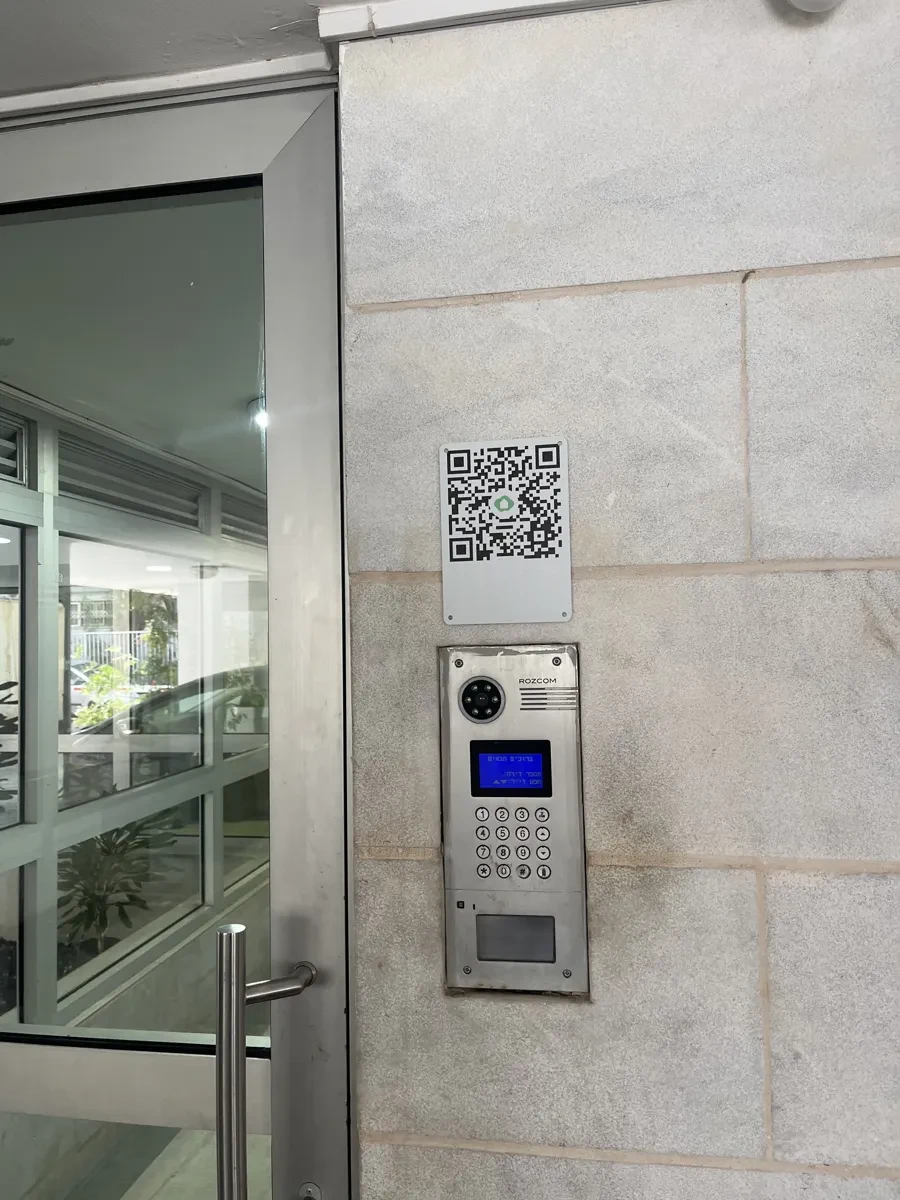
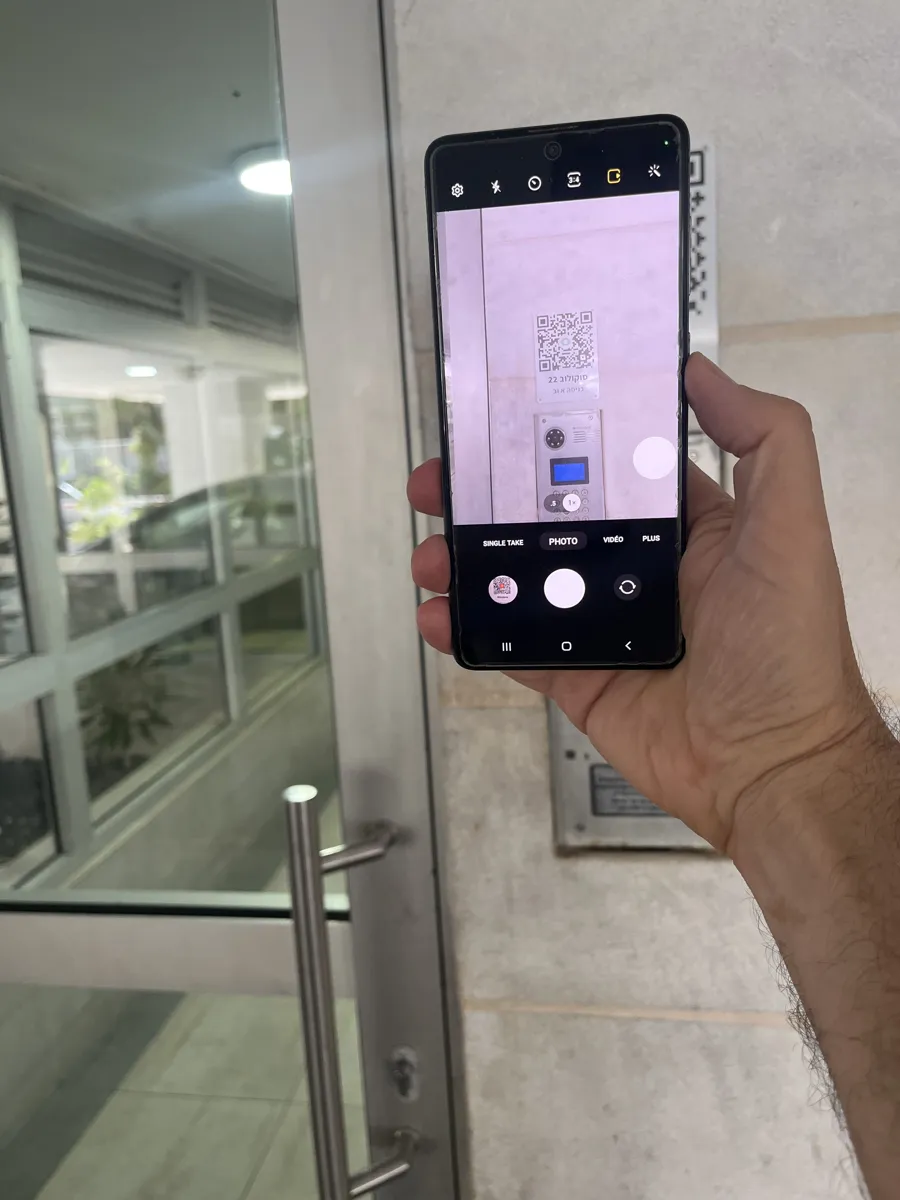
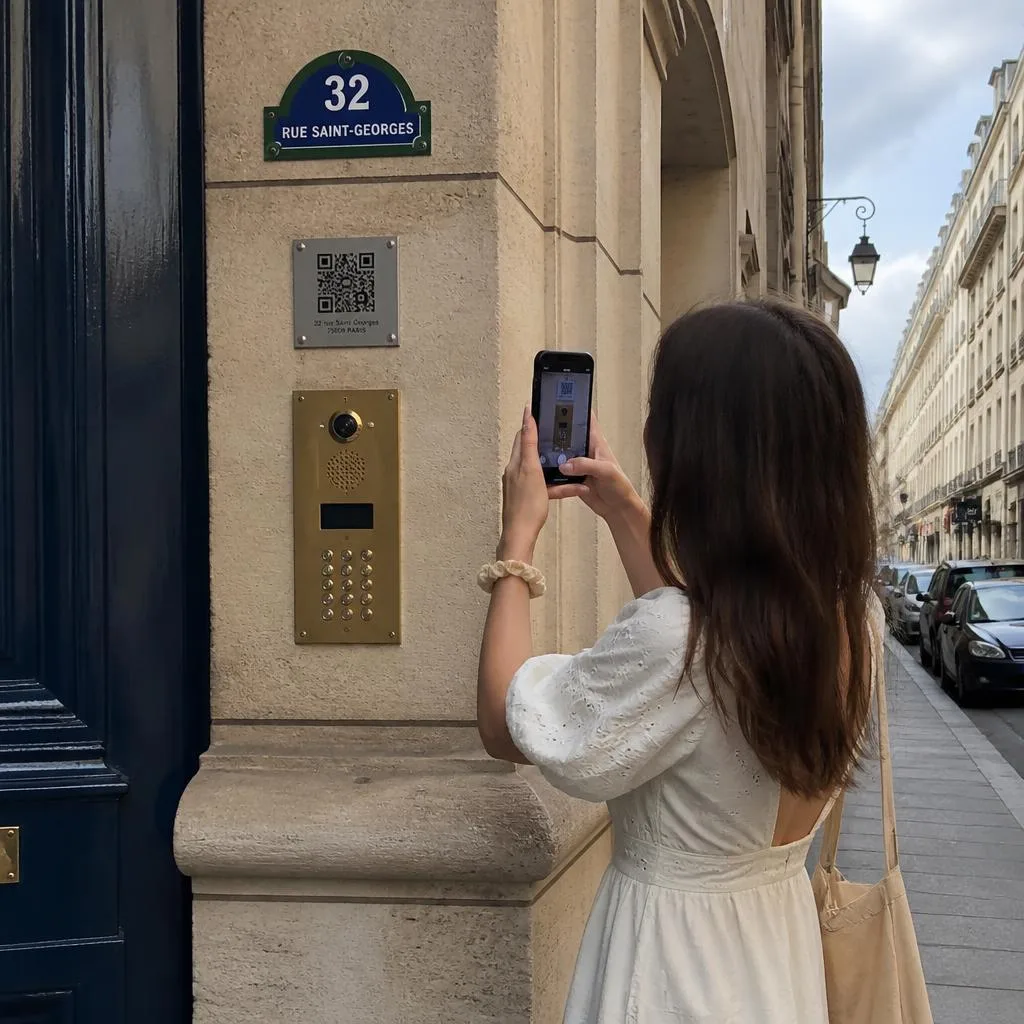
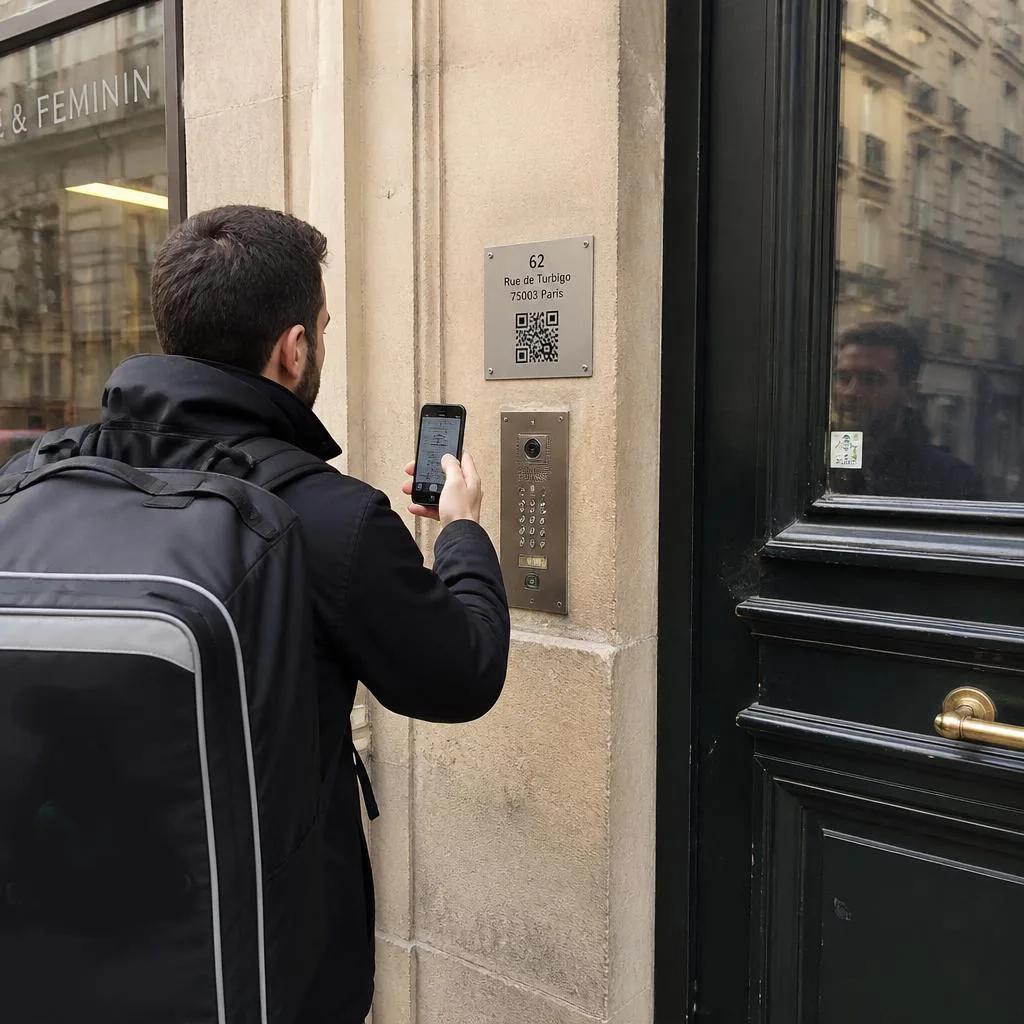
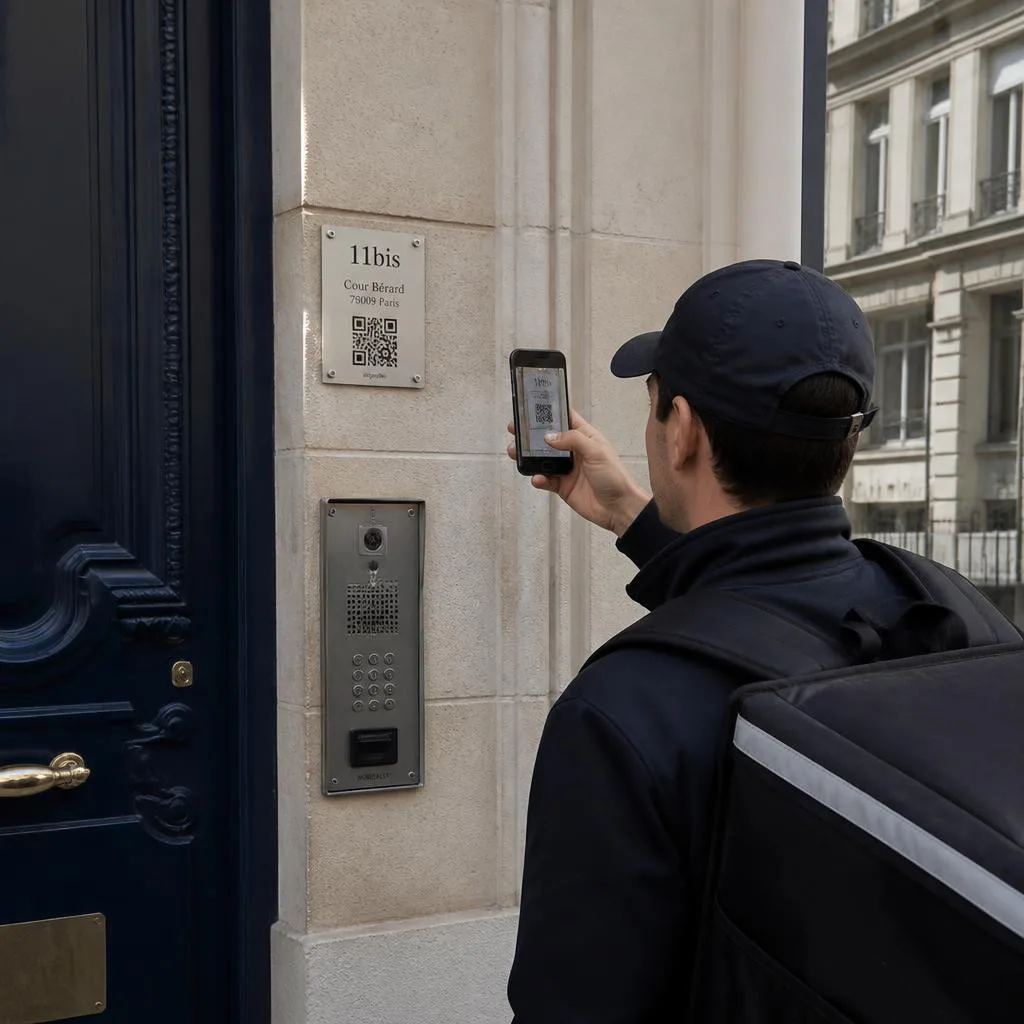
Download the QR code, have it printed or engraved, and display it at the right building entry.

Homes are added and managed by the building manager. Residents and names are managed by the residents themselves.
Hardware
Do it yourself
Install one or multiple Shelly relays yourself.
Professional installers
Contact us for dedicated hardware.

If you are a resident, download your key here:

Login

Enter your phone number or email to receive a validation code.

Send Code

How it works
You are the building manager. You add or remove homes and appoint a home manager for each one.
Each home manager manages their own residents — including non-residents like cleaning staff or babysitters.
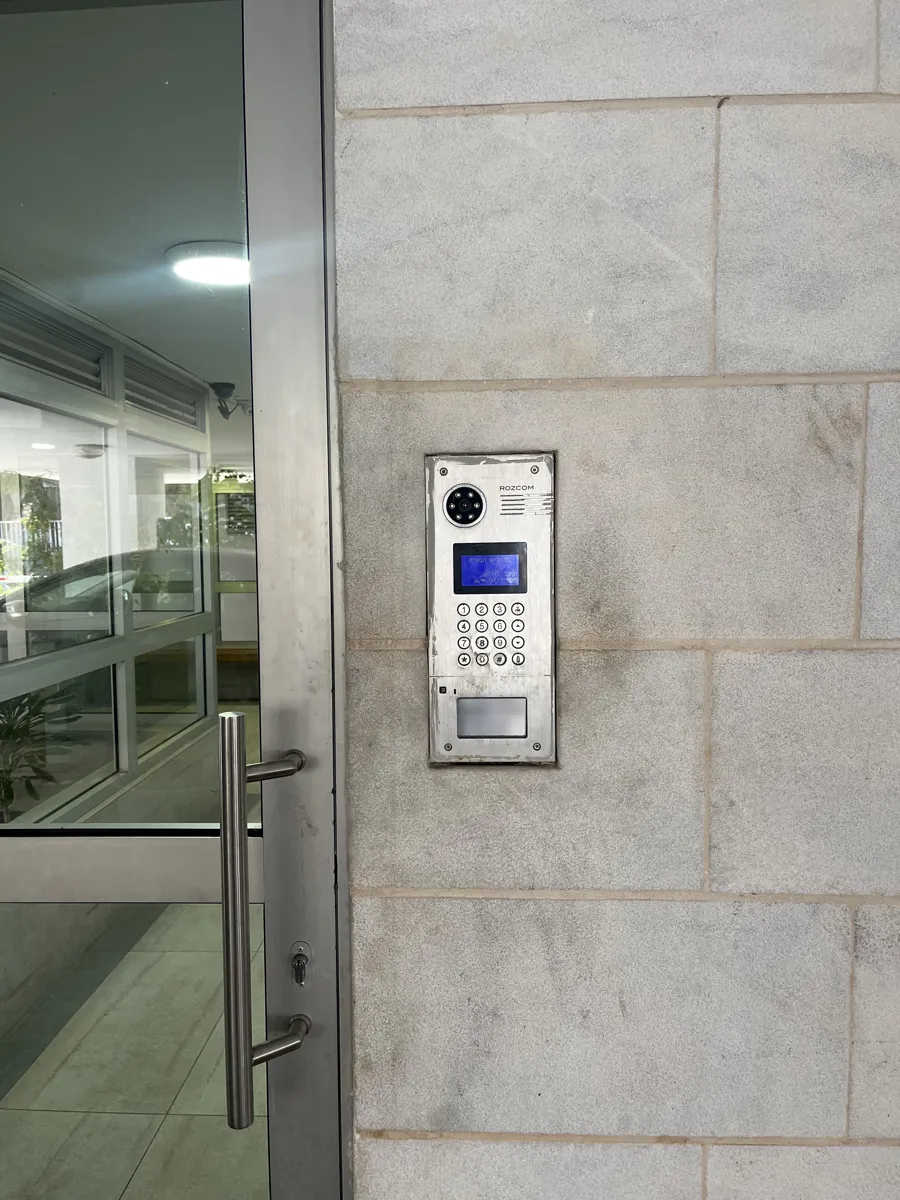
Install an internet-connected door device at the entrance and link it to your building in the system.
All residents can then open the building door using the Tinklee app — no keys needed.
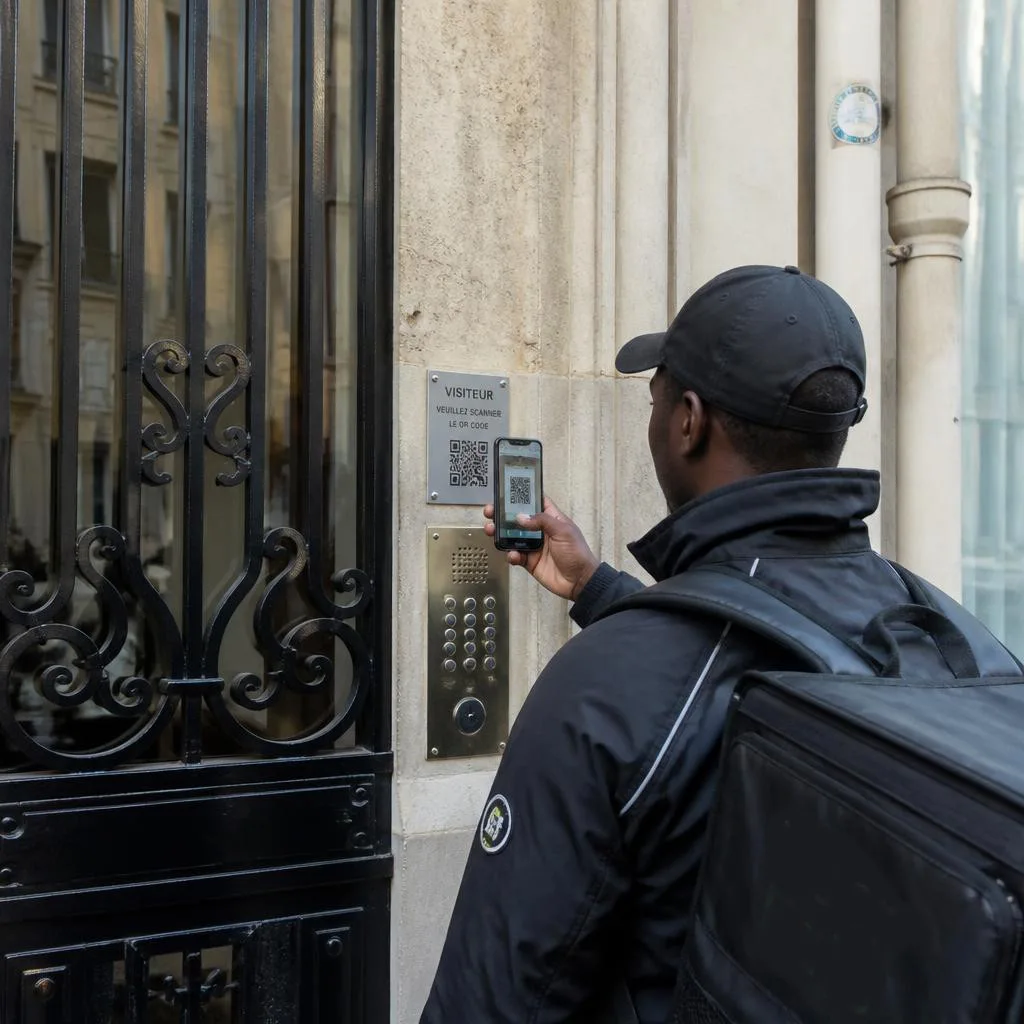
Visitors can browse the building directory and ring any resident directly from their phone.

Please give your building a name so you can identify it.

Cancel Create

Upgrade Plan

Cancel